
Shared AI Budget Tracker
Family budgeting with optional AI insights.
Shared AI Budget Tracker is a personal and family finance app for iPhone and Android. It tracks expenses, income, budgets, goals and loans on your own device, with optional AI insights and optional backup to your Google Drive.
Also known as: Family Budget, BudgetTracker.
- Expense and income tracking, custom budgets, goals and loan amortization
- Works offline, and your data stays on your phone
- Optional AI assistant for spending insights (only if you opt in)
- Optional backup to your own Google Drive and sync to Google Sheets
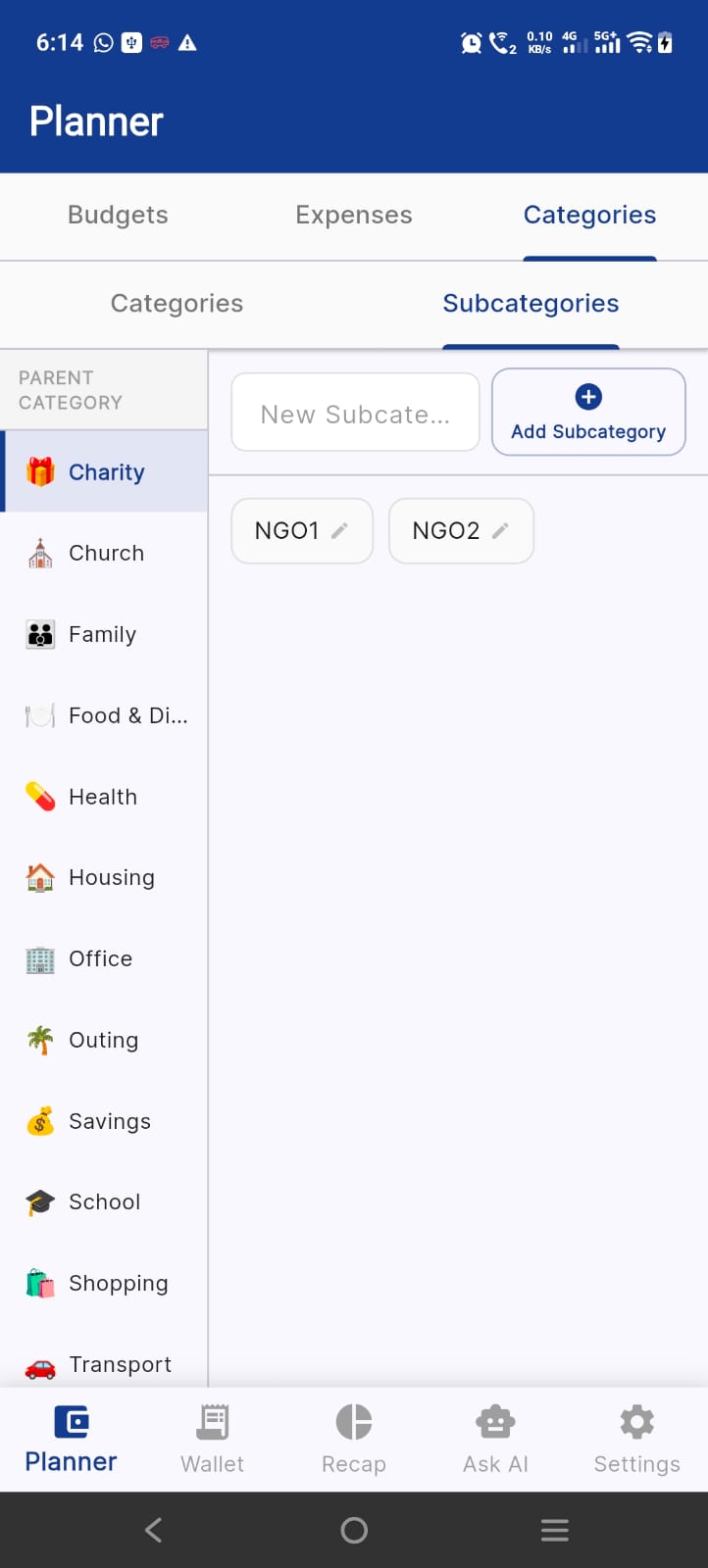
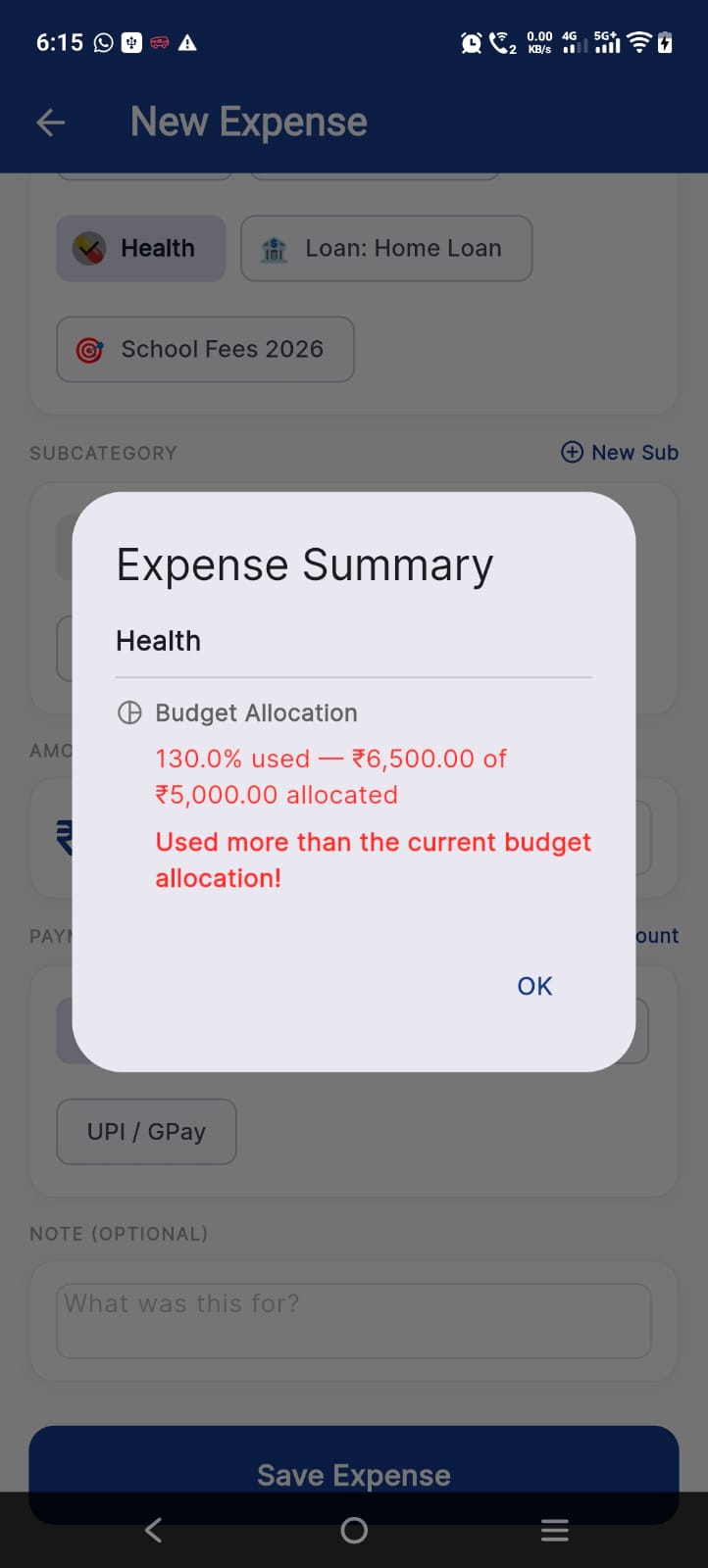
More screenshots
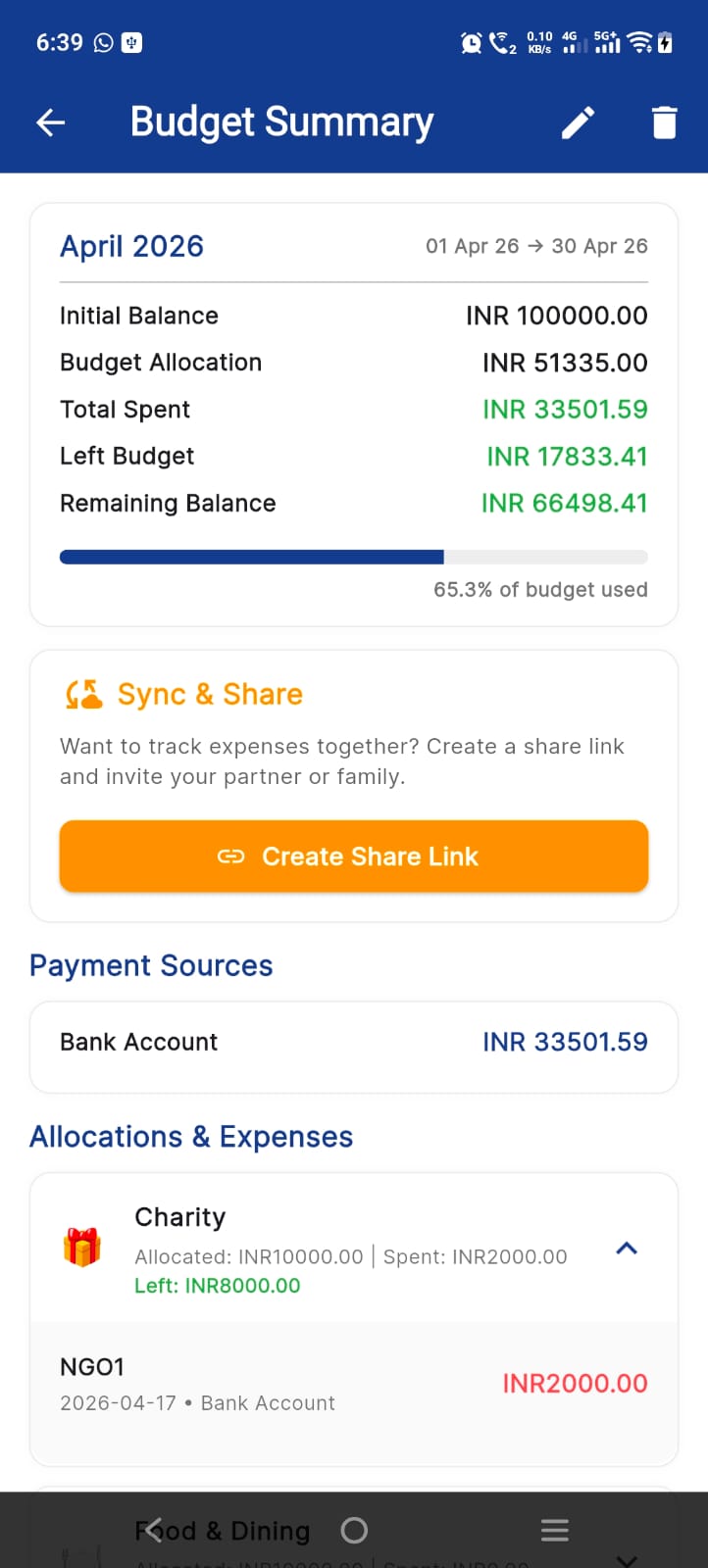
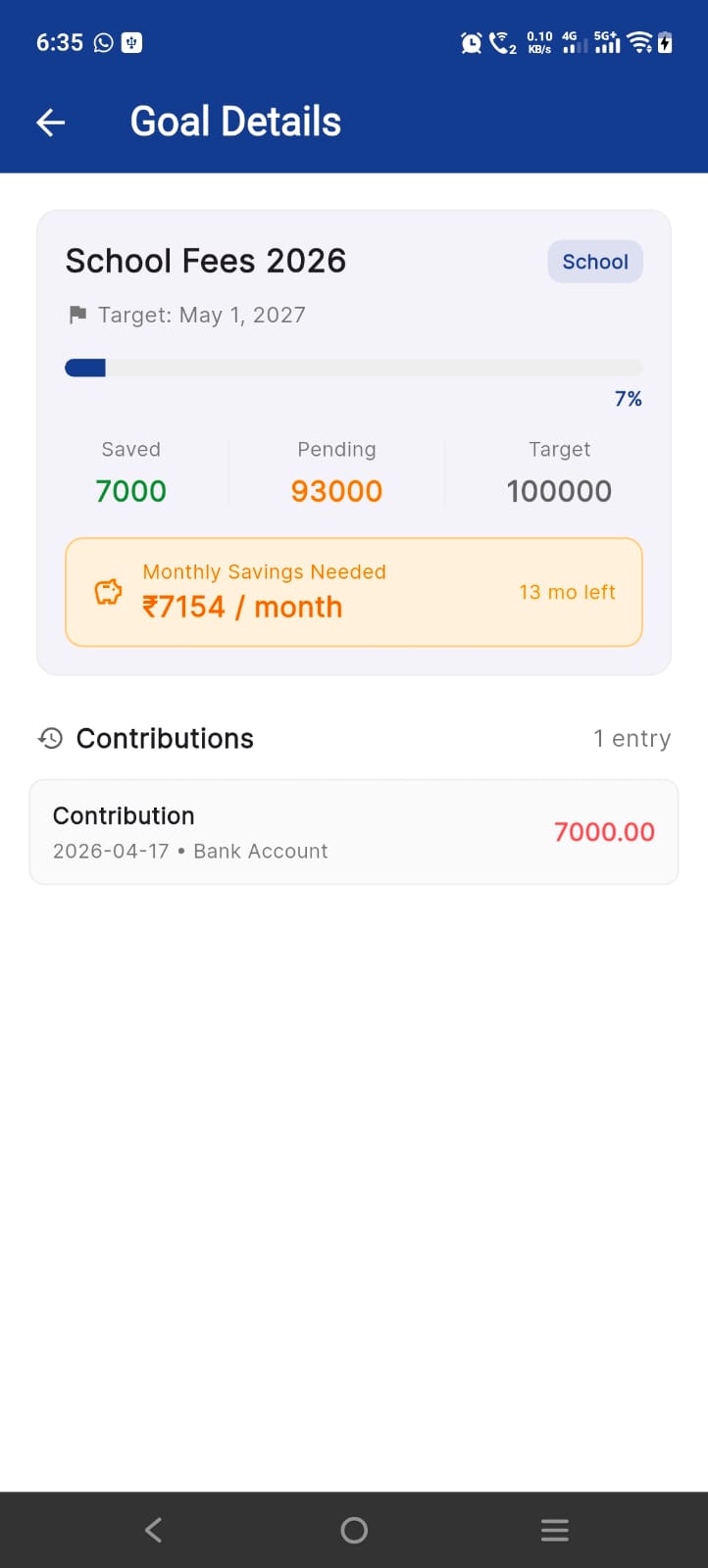
Key facts
- Platforms
- iPhone and iPad (iOS 14 or later) and Android
- Price
- Free, with optional Premium (monthly, 3-month, 6-month, yearly or lifetime)
- Category
- Finance
- Works offline
- Yes
- Where data is stored
- On your device; we do not store it on our own servers
- Age rating (App Store)
- 4+
Frequently asked questions
Where is my financial data stored?
On your device, in a local database. We do not keep it on our own servers. If you choose, you can back it up to your personal Google Drive.
Does the AI see my finances?
Only if you opt in to the AI assistant. Your question and relevant budget context are sent to the AI provider to answer it, and are not retained by us.
Is it free?
The app is free to download. Premium plans are optional and are billed by the App Store or Google Play.
How do I delete my data?
Delete records or clear the database in the app settings, or remove the app. Backups in Google Drive are removed from your own Google account. See the privacy policy for the deletion request form.
More help: Shared AI Budget Tracker support · Privacy policy