Private & Secure by Design
Your financial data belongs to you. BudgetTracker operates entirely on your local device. We do not store your personal or financial data on our servers.
About Shared AI Budget Tracker
BudgetTracker is a secure, intelligent, and private personal finance manager designed to help you take control of your money. Whether you are tracking daily expenses, planning monthly budgets, or managing loans, BudgetTracker provides the tools you need to achieve your financial goals.
Also known as BudgetTracker · Free to download · optional Premium · iPhone, iPad and Android
Your financial data belongs to you. BudgetTracker operates entirely on your local device. We do not store your personal or financial data on our servers.
Never lose your data. Securely back up your local database directly to your personal Google Drive. Want to analyze your spending on your computer? Automatically sync your transactions to your own Google Sheets account.
Opt-in to our intelligent AI Chat assistant to get instant insights into your spending habits. Ask questions about your budgets, categorize expenses faster, and get smart financial summaries based on your actual data.
Easily log transactions on the go.
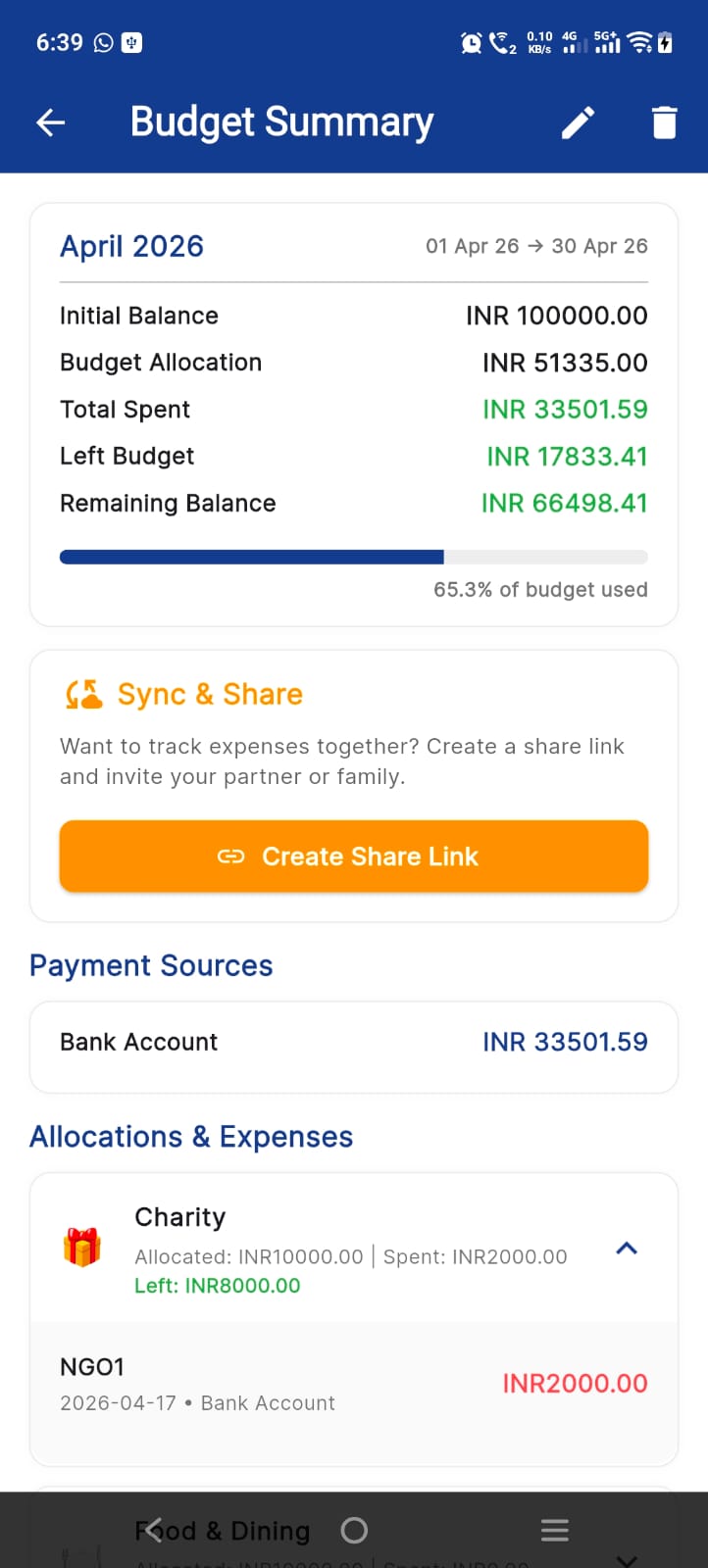
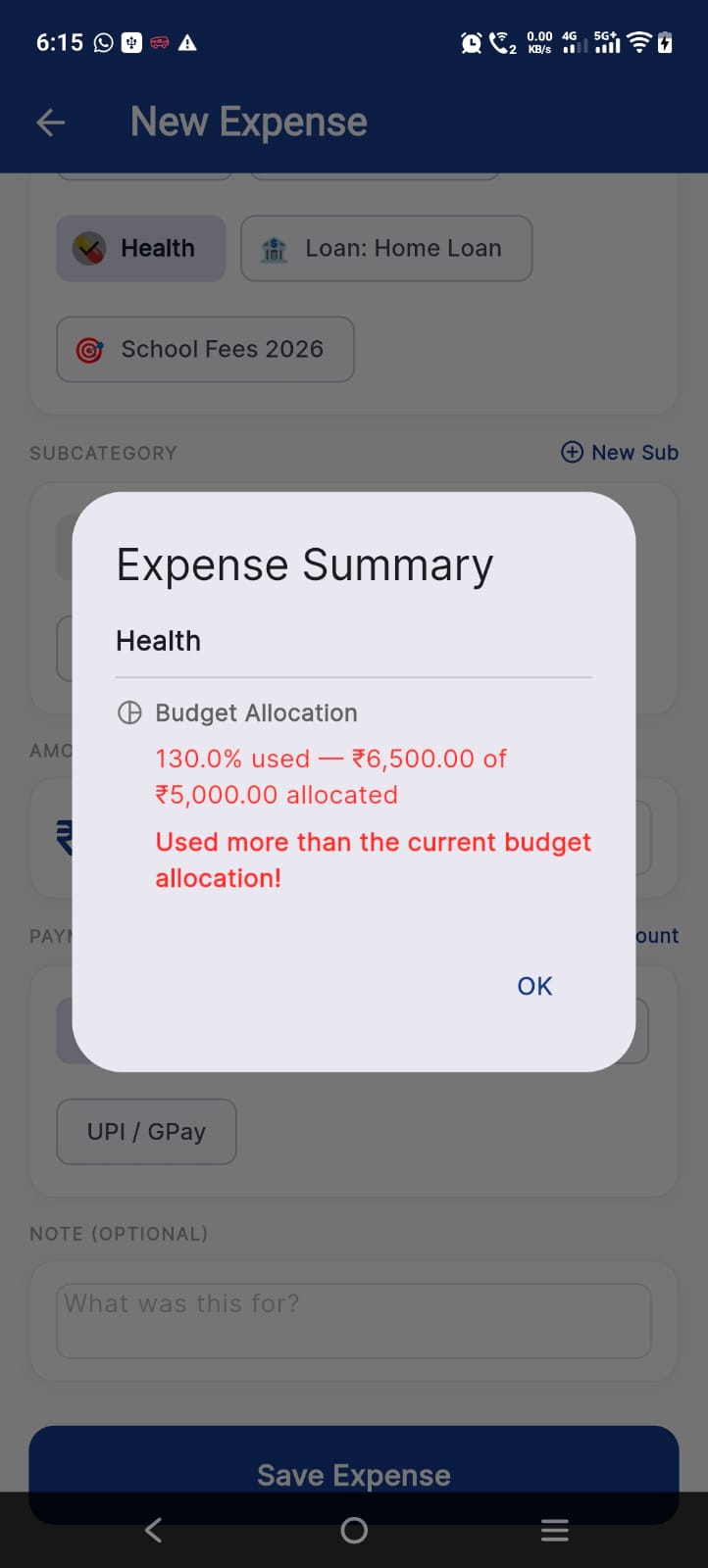
Set and monitor spending limits for different categories.
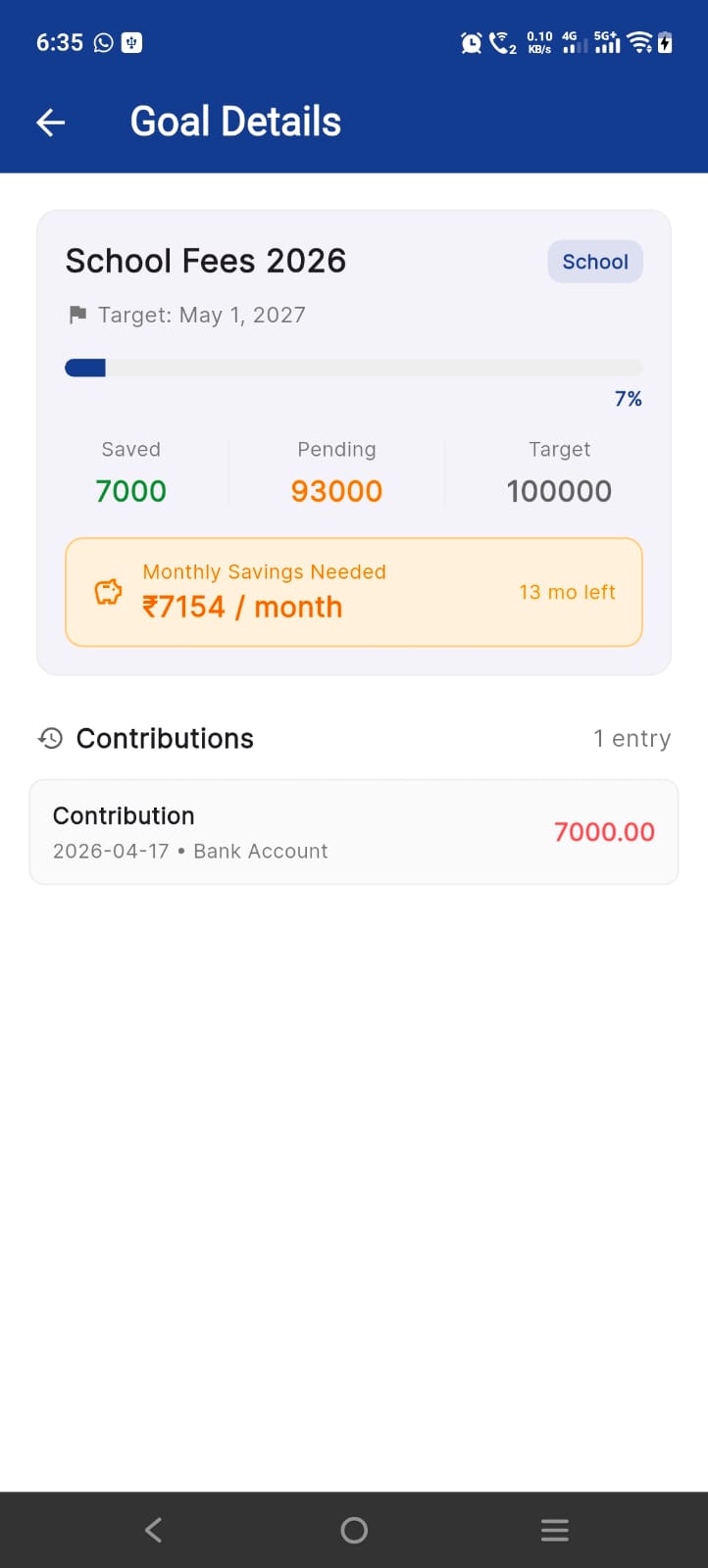
Track your progress toward savings goals.
Calculate and track loan payments and schedules.
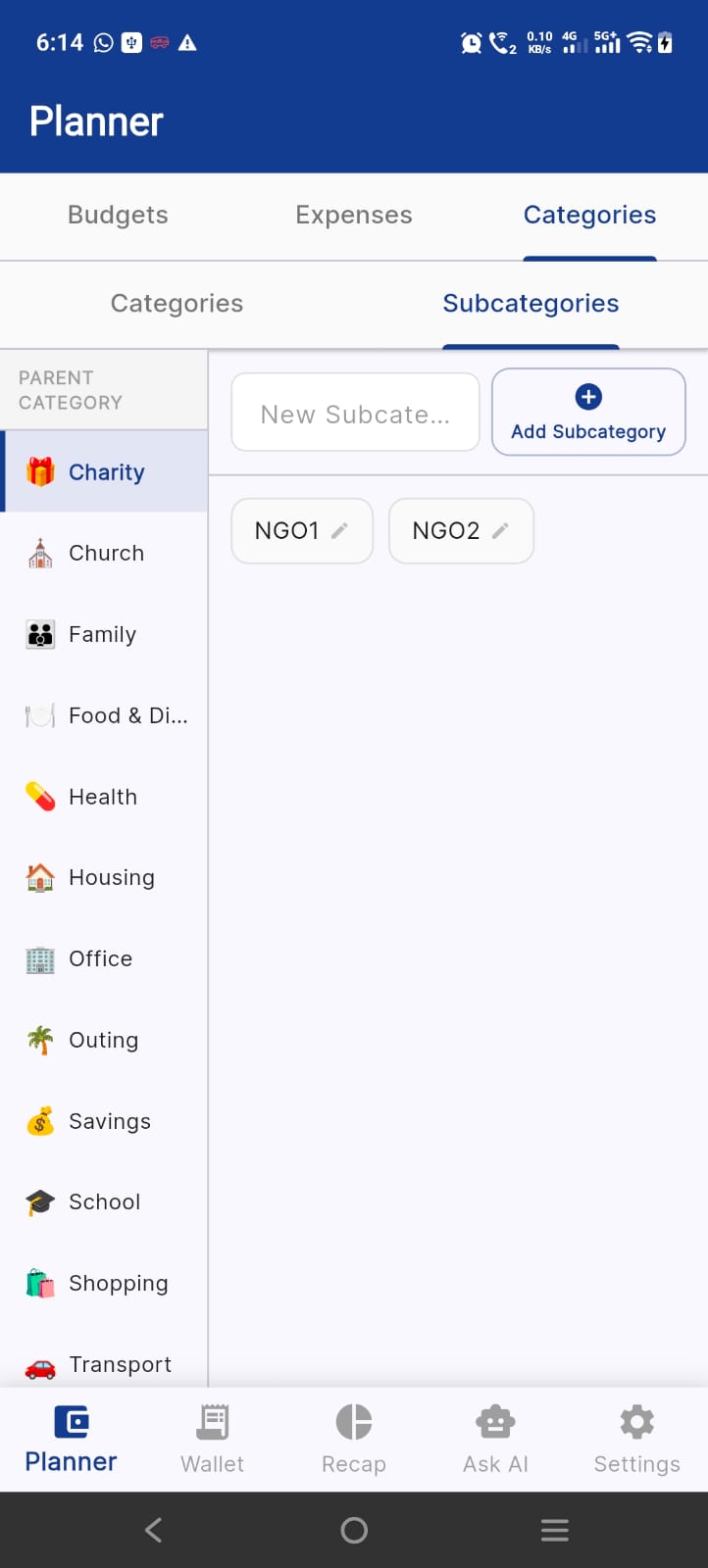
Organize your spending exactly how you want it.
Fully functional without an internet connection (sync and AI features require internet).
One app for the whole household budget: personal, shared with your partner or family, and everything in between.
On your device, in a local database. We do not keep it on our own servers. If you choose, you can back it up to your personal Google Drive.
Only if you opt in to the AI assistant. Your question and relevant budget context are sent to the AI provider to answer it, and are not retained by us.
The app is free to download. Premium plans are optional and are billed by the App Store or Google Play.
Delete records or clear the database in the app settings, or remove the app. Backups in Google Drive are removed from your own Google account. See the privacy policy for the deletion request form.
More: Shared AI Budget Tracker overview · Support · Privacy policy