Multiple child profiles with names and avatars

About Kids Safe Video Player
A Safe, Distraction-Free Video Library for Your Child
Kids Safe Video Player is a fully offline, parent-controlled video player that lets you build a safe, distraction-free library just for your child — with no ads, no sign-up, and no data sent to any server.
- No ads
- No sign-up
- No data sent to any server
Called SafePlay Video Player on iPhone and iPad · Free to download · Works offline
How It Works
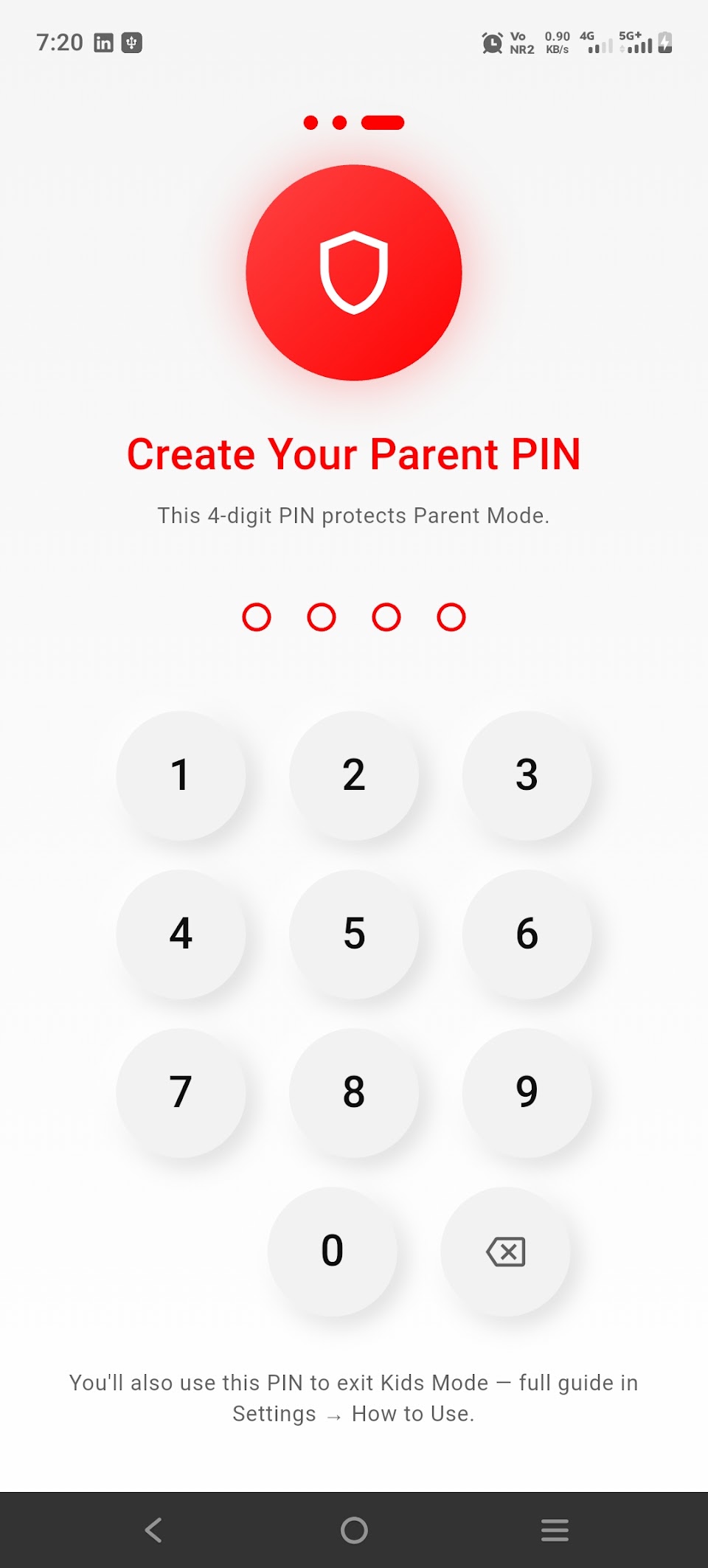
Set a Parent PIN (or use fingerprint/Face unlock) once, then curate exactly what your child can watch.
Your child gets a simple, locked-down "Child Mode" — they can only see the videos and groups you've approved.
Key Features
Organize videos into groups (e.g. "Cartoons," "Learning," "Bedtime")
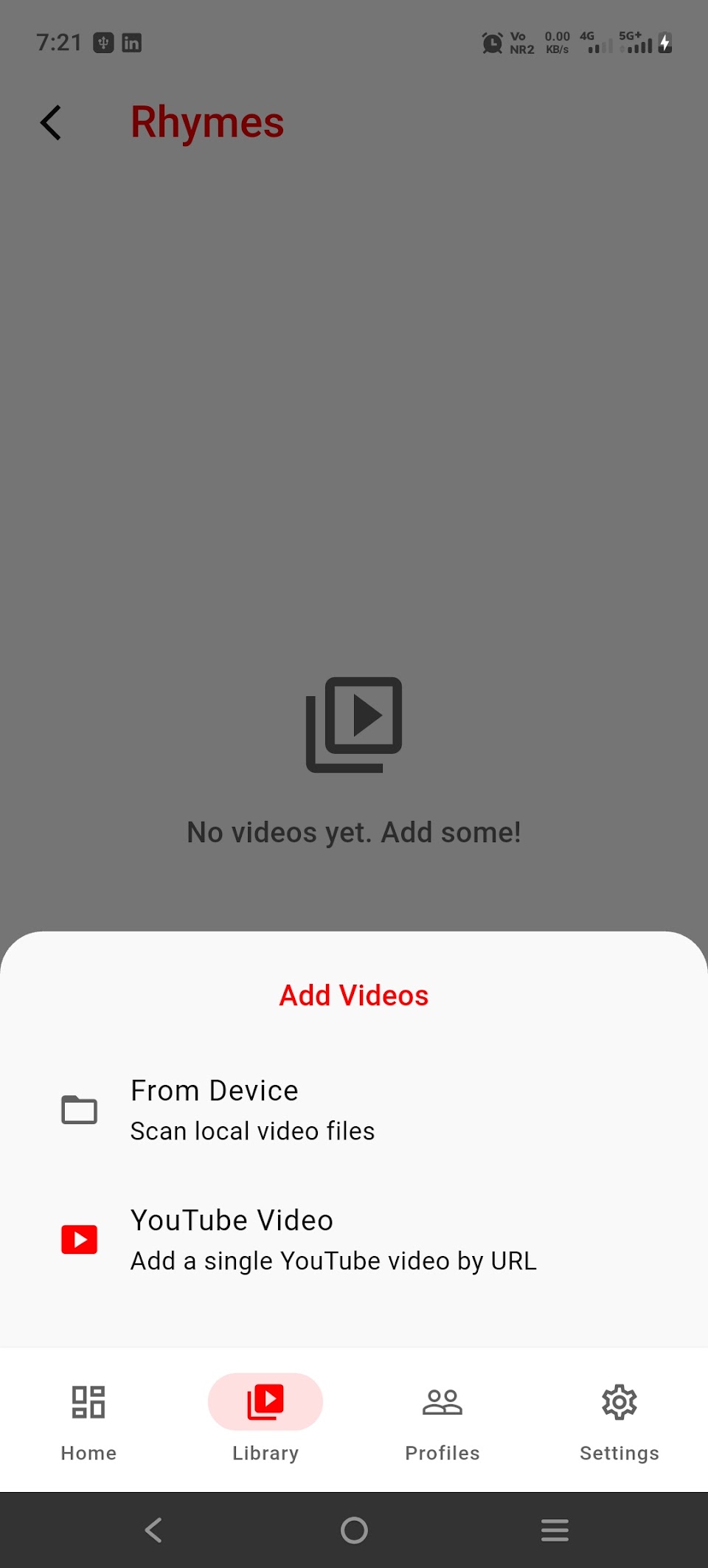
Add your own local video files, or optionally add specific YouTube videos
Screen-time limits per profile, with an on-screen countdown for your child
Kiosk / screen-pinning mode so your child can't back out of the app
Parent Dashboard with watch-time analytics — see what was watched and for how long
PIN and biometric lock protects all parent settings
100% offline for locally added videos — nothing is uploaded anywhere
No ads. No third-party trackers or analytics. No account required.
Privacy by Design
All profiles, video libraries, and watch history stay on your device in a local database. We don't operate a server and we don't collect or sell your family's data.
Kids Safe Video Player is built for parents who want the convenience of a curated kids' video app without handing a company access to their family's data.
Frequently asked questions
Does it need an internet connection?
Not for videos stored on your device. Internet is used only to stream a YouTube video that a parent has added, and to process optional purchases.
Does the app collect my child's data?
There is no account and no company server. Profiles, video lists, screen-time settings and watch history stay on your device.
Is it free?
Yes. Optional in-app purchases are handled by the App Store and Google Play.
How do I delete the data?
Delete profiles or clear watch history in Parent Mode, or uninstall the app to remove everything from the device. See the privacy policy for the data-deletion request form.
More: SafePlay Video Player overview · Support · Privacy policy